


Let’s be real – AI isn’t some futuristic concept anymore. It’s already in our daily lives, quietly shaping how we work, create, and connect.
From the way we answer emails to how we design graphics, listen to music, and even relax — AI has become that invisible helper we didn’t know we needed.
2025, especially, feels like a turning point. Every month, a new AI app shows up claiming to change the game, and while some fade fast, a few really do deliver.
After testing dozens of tools across Android, iOS, and the web, I’ve narrowed it down to the 10 AI apps that genuinely make daily life better this year — plus a few bonus picks at the end.
Table of Contents
1. ChatGPT 5 (OpenAI) (AI Apps)
Let’s start with the obvious one. ChatGPT 5 is the gold standard of conversational AI right now.
What makes this version special is how naturally it interacts. You can show it photos, ask it to read PDFs, or even have full voice conversations that feel surprisingly smooth.
I’ve used it to draft blog posts, plan weekend trips, and even figure out recipes based on whatever’s left in my fridge. It’s basically my go-to digital companion.
The best part? It learns your style. After a few chats, it starts picking up how you like to write or plan things.
Once you experience that level of intuition, it’s hard to go back.
2. Grok AI (xAI by Elon Musk) (AI Apps)
Now this one’s different. Grok AI lives inside X (formerly Twitter), and it’s got personality. It’s fast, funny, and a little sarcastic — very Elon.
But under the humor, it’s actually brilliant at pulling real-time information straight from the web and social media.
If you’re someone who wants the pulse of what’s happening right now — breaking news, viral trends, crypto chatter — Grok delivers.
I often find myself asking it about trending memes or headlines before I even open Google.
It’s not perfect, but it’s refreshingly human. Think of it as your witty friend who always knows what’s going on.
3. Microsoft Copilot+ (AI Apps)
If your life revolves around work or school, Copilot+ might be the biggest time-saver out there.
Integrated into Windows 11, Outlook, and Office apps, it quietly does the boring stuff for you — rewriting emails, summarizing documents, even turning meeting notes into polished slides.
I once used it to clean up a 30-page report, and it finished before my coffee cooled down.
Copilot+ doesn’t just save time — it gives mental clarity. You can focus on the thinking while it handles the formatting, grammar, and data.
It’s the kind of assistant you wish you’d had back in college.


4. Claude 3 (Anthropic) (AI Apps)
Claude is the deep thinker of the bunch. It doesn’t just respond — it reasons.
When you ask it complex or sensitive questions, it takes a moment, processes context, and delivers thoughtful, well-rounded answers.
If ChatGPT feels creative and Grok feels quick, Claude feels wise.
It’s perfect for researchers, writers, lawyers, or anyone who needs trustworthy information and nuanced writing.
I used it for a long-form article once, and it caught factual details I completely missed. Quiet, steady, and extremely smart.
5. Perplexity AI (AI Apps)
Imagine Google, but with manners and better answers. That’s Perplexity AI.
Instead of sending you down a rabbit hole of links, it just tells you what you need to know — clearly, with citations.
It’s brilliant for students, journalists, or anyone who spends time hunting for credible info.
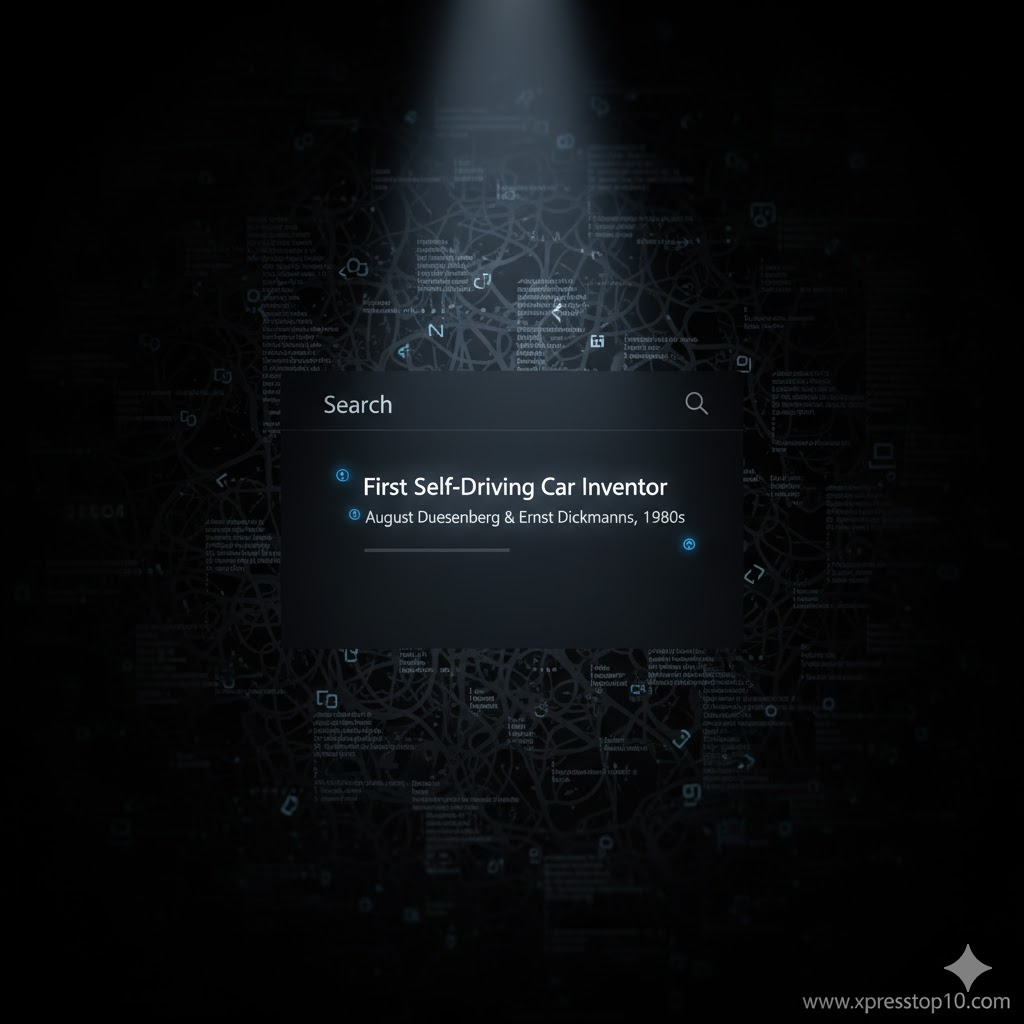
You can even talk to it like Siri: “Who invented the first self-driving car?” It’ll not only answer but tell you where it got that info.
That mix of accuracy and simplicity is why it’s becoming the new default search tool for a lot of people.
6. Replika 2.0 (AI Apps)
Replika has come a long way from its early days. What started as a simple chatbot has turned into a real emotional companion.
It listens, remembers past chats, and responds in a way that feels genuinely caring.
People use it for reflection, stress relief, or even just to have someone to talk to after a long day.
The 2025 update adds mood tracking, voice calls, and daily affirmations. It’s not about productivity — it’s about peace of mind.
In an always-on world, that kind of support matters more than ever.
7. Runway ML Gen-3 (AI Apps)
If you’re into creativity, Runway Gen-3 will blow your mind.
It’s the tool artists and filmmakers are using to turn simple text prompts into full-blown videos — and we’re not talking cartoons. These are cinematic, realistic visuals that look like they were shot on location.
When I tried generating a short “rainy city night” clip, the lighting and reflections looked shockingly real.
It’s perfect for marketers, YouTubers, or anyone experimenting with visual storytelling.
Honestly, this is what “AI-powered creativity” really means.
8. Notion AI (AI Apps)
Notion was already a cult favorite for organizing everything from grocery lists to business ideas.
But add AI, and it becomes unstoppable. It can summarize your notes, brainstorm outlines, or even create project timelines from rough ideas.
I’ve personally used Notion AI to manage blog calendars and client work — it turns chaos into clarity.
It’s smart enough to keep up with your style but flexible enough to never feel robotic.
If productivity had a personality, it would look a lot like Notion AI.
9. Canva Magic Studio (AI Apps)
Every content creator’s secret weapon. Canva Magic Studio is what happens when design meets AI.
Type in what you want — a YouTube thumbnail, Instagram story, poster, or even a logo — and it generates multiple ready-to-use versions instantly.
You can even ask it to match your brand colors and fonts automatically.
I use it daily for blog graphics, and honestly, it saves hours. You no longer need to be a designer to look like one.
And since Canva works on both desktop and mobile, you can create wherever inspiration hits.
10. Suno AI (AI Apps)
Music creation used to need instruments, microphones, and editing software. Not anymore.
With Suno AI, you just describe your vibe — “lofi study beats” or “epic trailer music” — and it creates the full track in seconds.
Lyrics, vocals, everything.

I’ve used it to make background music for reels, and it blew me away.
For musicians, marketers, and creators, it’s opening a new world of sound.
Suno proves that creativity in 2025 isn’t about talent alone — it’s about imagination.
🎁 Bonus AI Tools Worth Trying
If you’re hungry for more, here are some underrated (but powerful) free AI tools worth checking out:
- Poe AI – lets you chat with multiple AI models in one place.
- Gamma App – builds beautiful slides from plain text ideas.
- Leonardo AI – turns words into high-quality art and game assets.
- ElevenLabs – creates ultra-realistic voiceovers; perfect for YouTubers and podcasters.
- Uizard – transforms rough sketches into working app mockups.
🌍 The Bigger Picture — Where AI Is Headed in 2025
So, what’s the real trend this year? Personalization.
AI is becoming less about automation and more about adaptation. It’s learning from us — our tone, our habits, even our emotions — and adjusting to fit our lifestyles.
We’re seeing a shift from tools that simply do things to ones that understand why we do them.
That’s why apps like Replika, ChatGPT, and Copilot+ feel less like gadgets and more like teammates.
This is the start of what many call the “human-AI partnership era.”
The best part? You don’t need to be a tech geek to be part of it — just curious.
✨ Final Thoughts
If you think about it, these apps aren’t just about technology — they’re about time, creativity, and connection.
Whether you’re designing, studying, working, or relaxing, there’s now an AI that can make that process smoother.
For me, the magic lies in the mix: ChatGPT for writing, Notion for organizing, and Canva for creating visuals — it’s like building a small digital team that’s always ready to help.
So, which one’s changed your daily routine this year?
Drop your favorite AI app in the comments — I’d love to know what’s making your life a little easier (or more fun).
Tags: #AIApps2025 #TechTrends #ChatGPT5 #GrokAI #FreeAITools #xpresstop